

Creating a Game
Tap the ”+” button on the Events screen to open the game creation wizard.
Page 1 – Game Details
Section titled “Page 1 – Game Details”Enter the teams, competition, court, and date & time for the game.
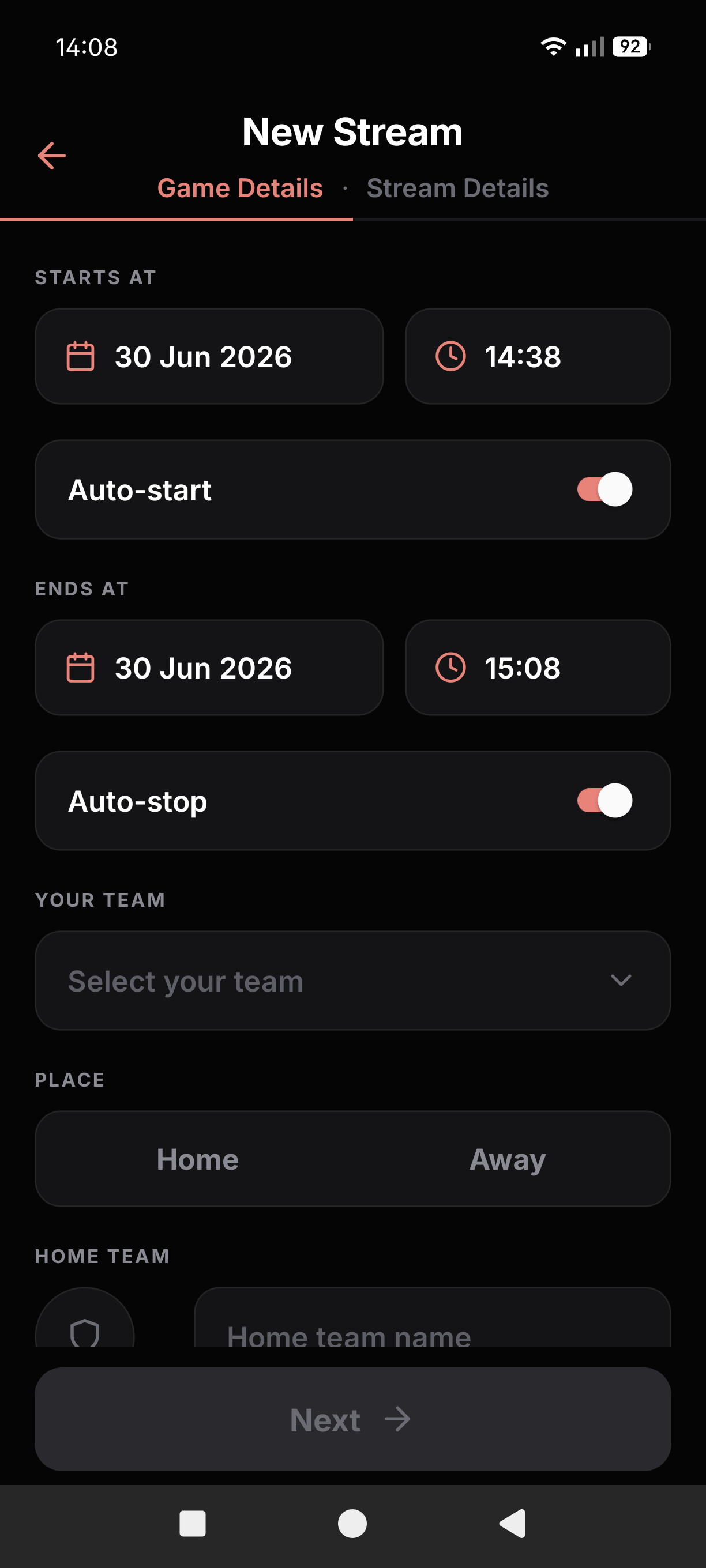
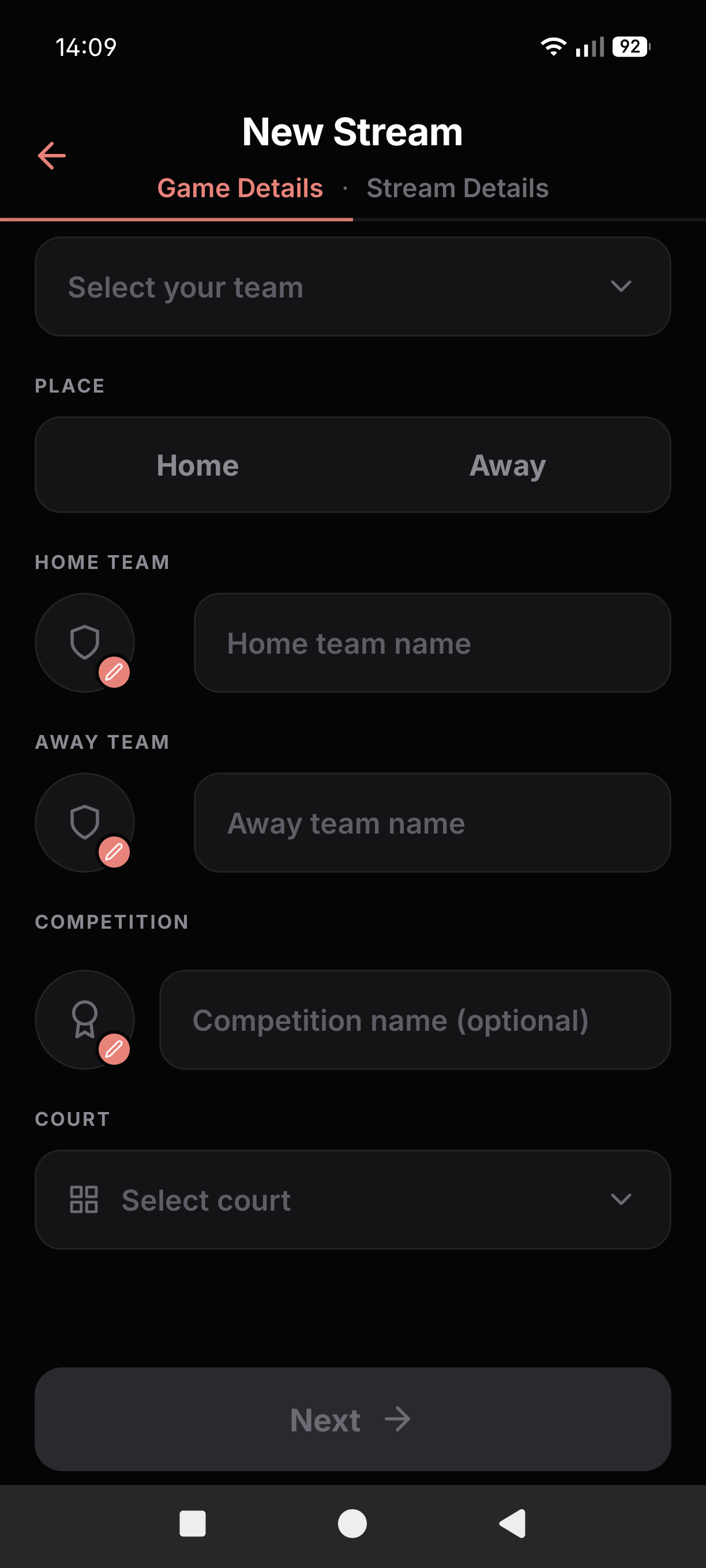
Tap Next to proceed to stream configuration.
Page 2 – Stream Details
Section titled “Page 2 – Stream Details”Configure the stream mode, type, auto-start/stop, YouTube settings, or load your settings from a previous setup.
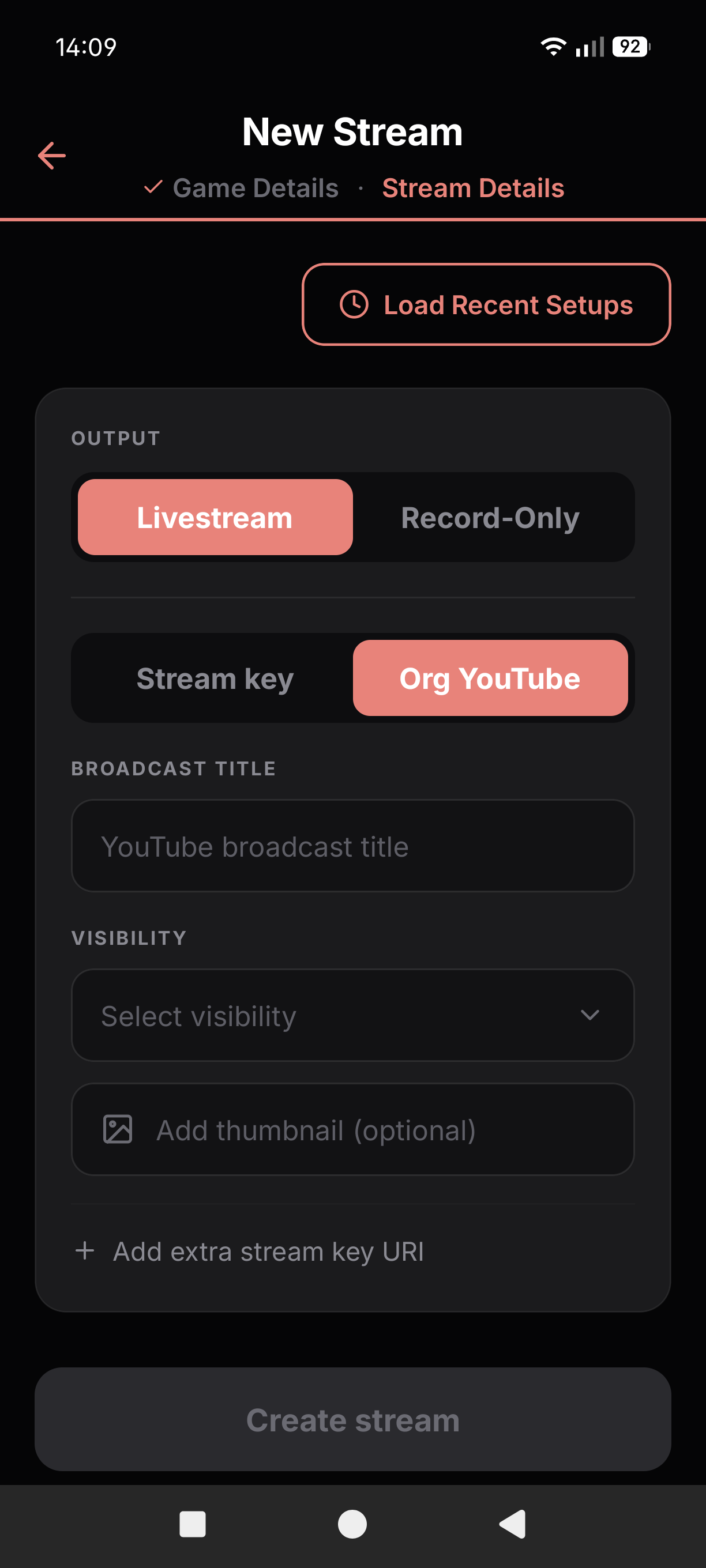
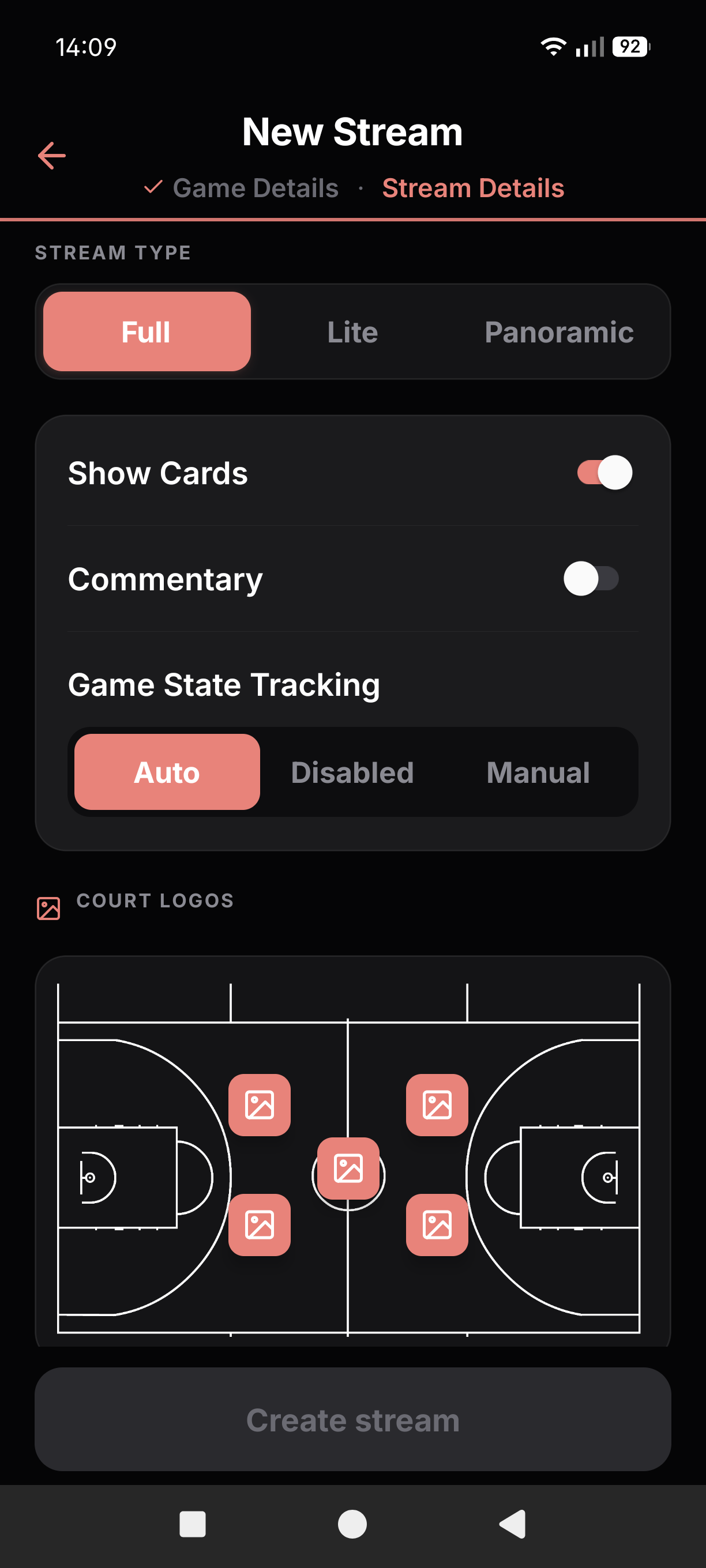
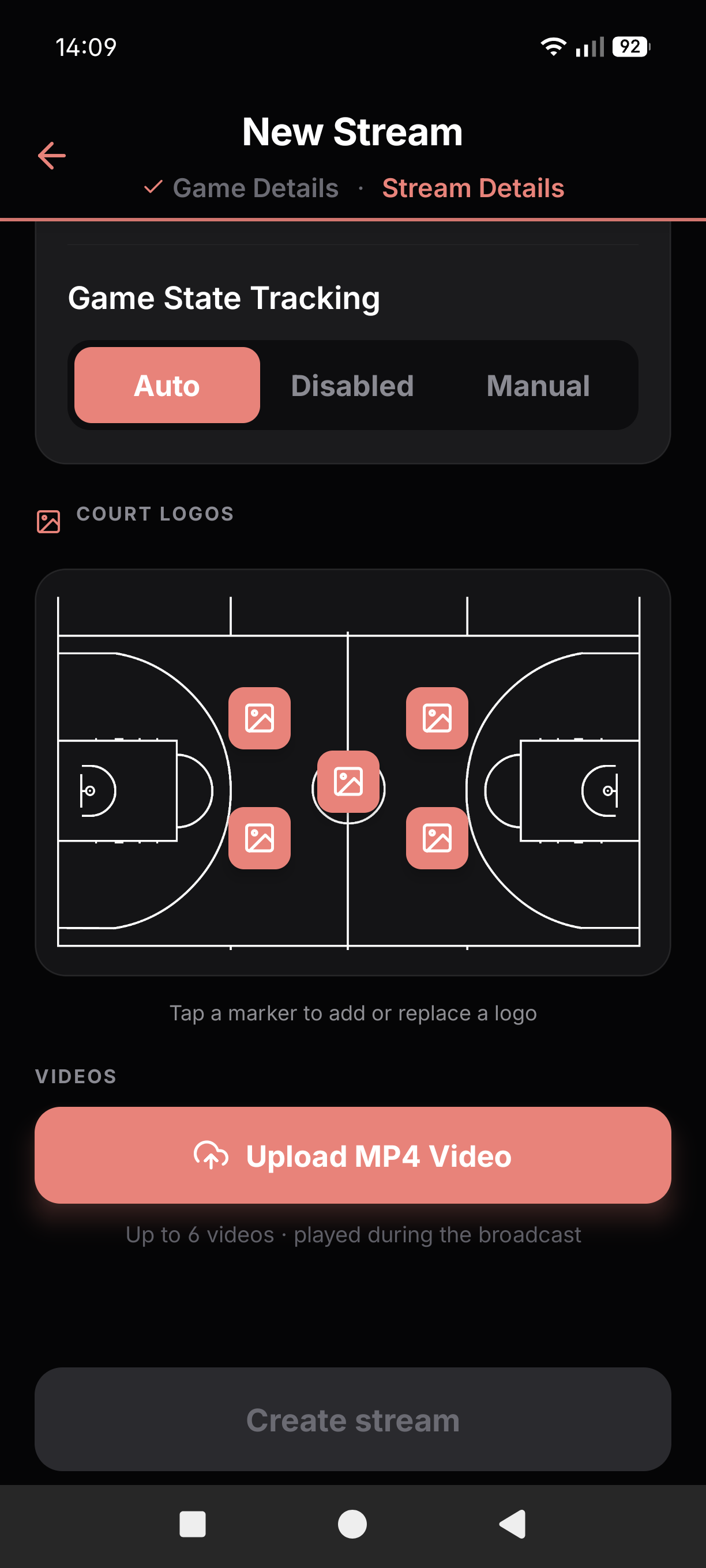
Tap Recent Streams to load your settings from a previous game.
Tap Create Stream to save the event. It will appear in your Events list.