
Ads
The studio operator plays the game’s video ads on the live stream from Studio. The videos play one after another in place of the game feed, and the stream returns to the game when the last one ends.
Before the game
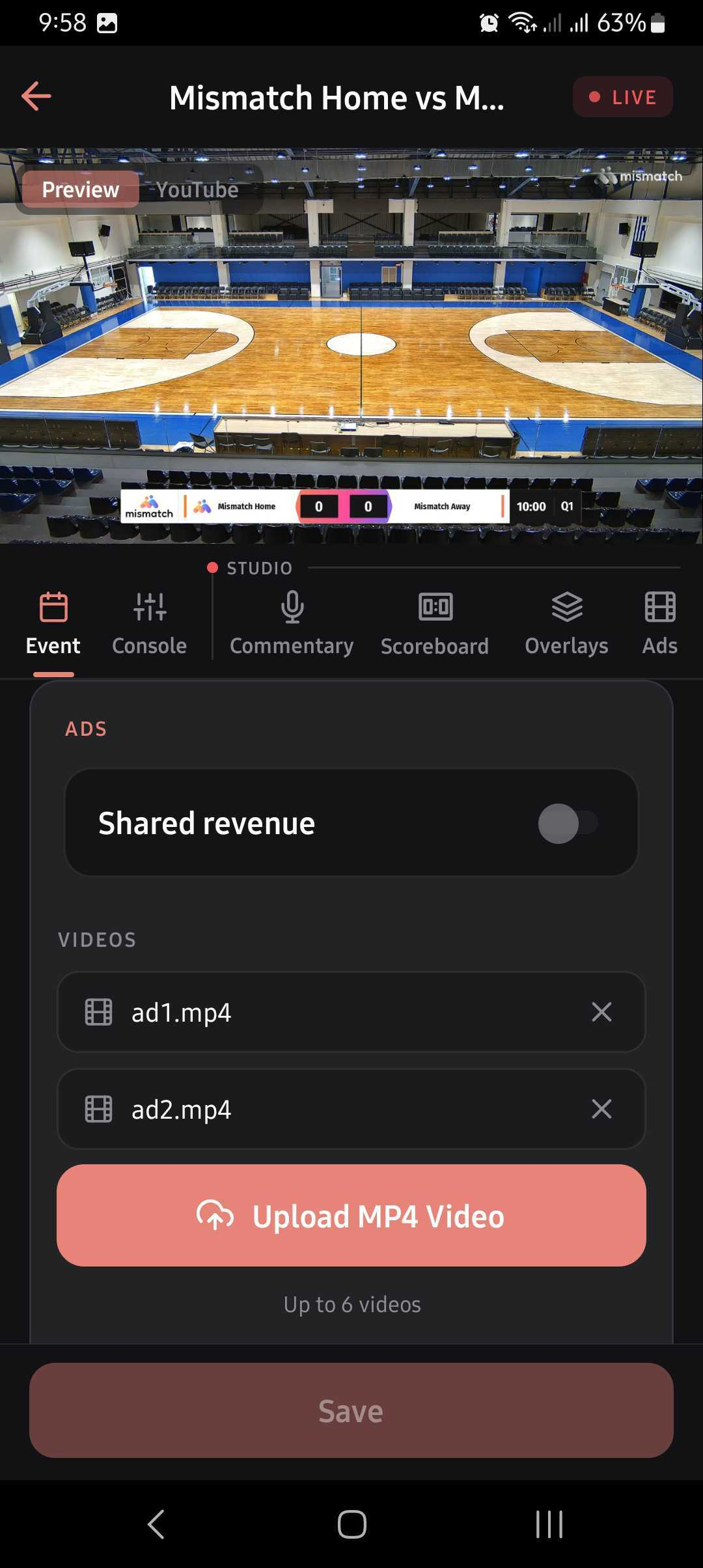
Section titled “Before the game”An organisation administrator uploads the videos in the game’s streaming settings, when the game is created or edited: up to 6 videos, short enough to fit in breaks, up to 20 MB each. See For Administrators.
The queue and the library
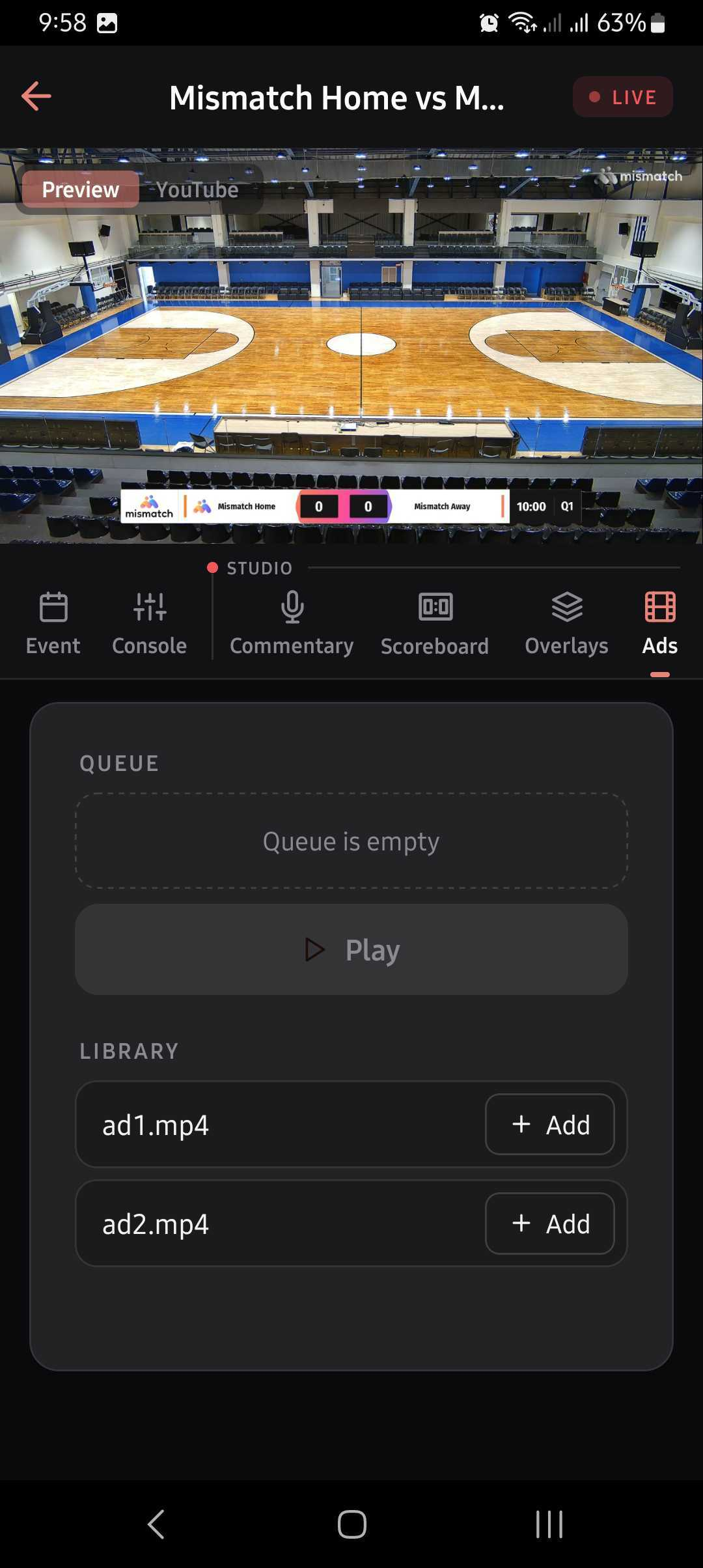
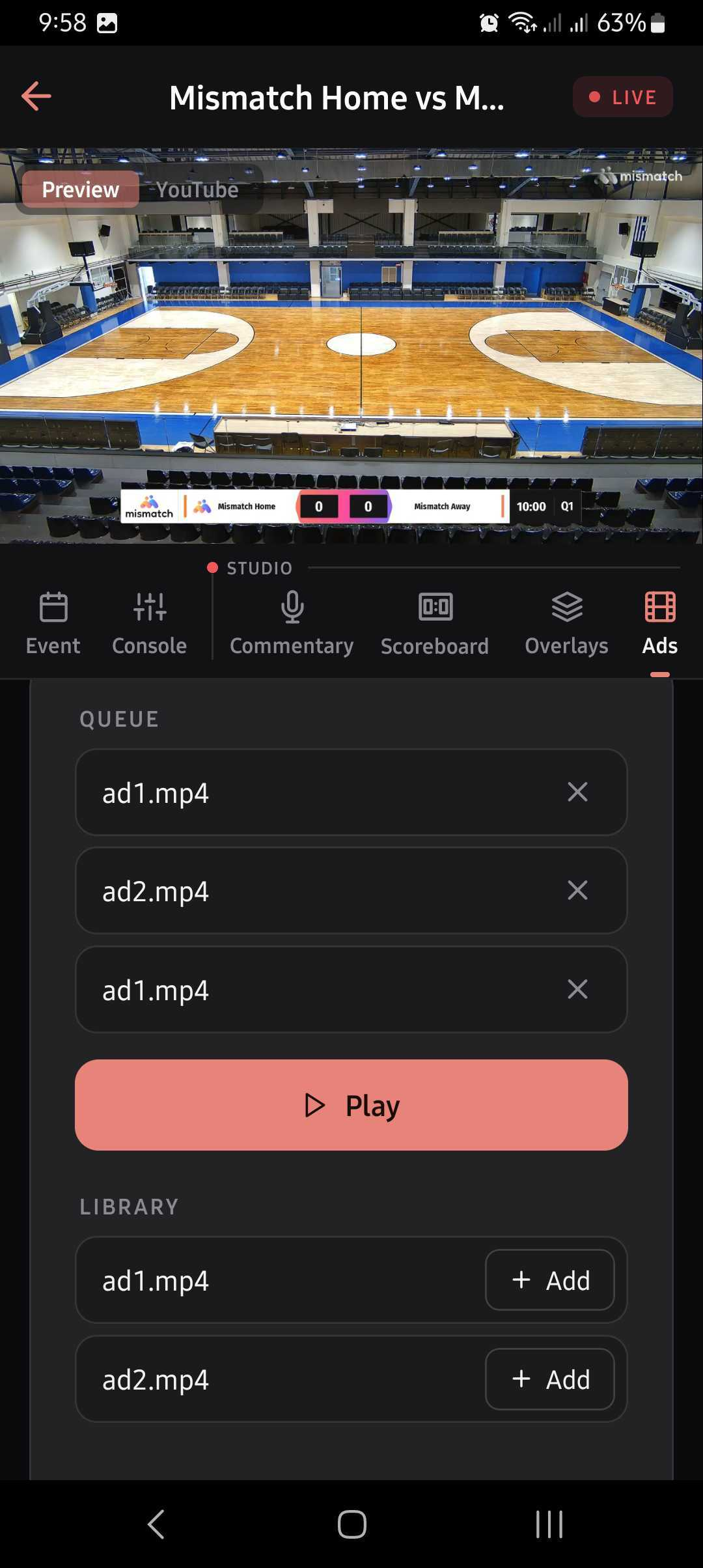
Section titled “The queue and the library”The ads panel has two lists:
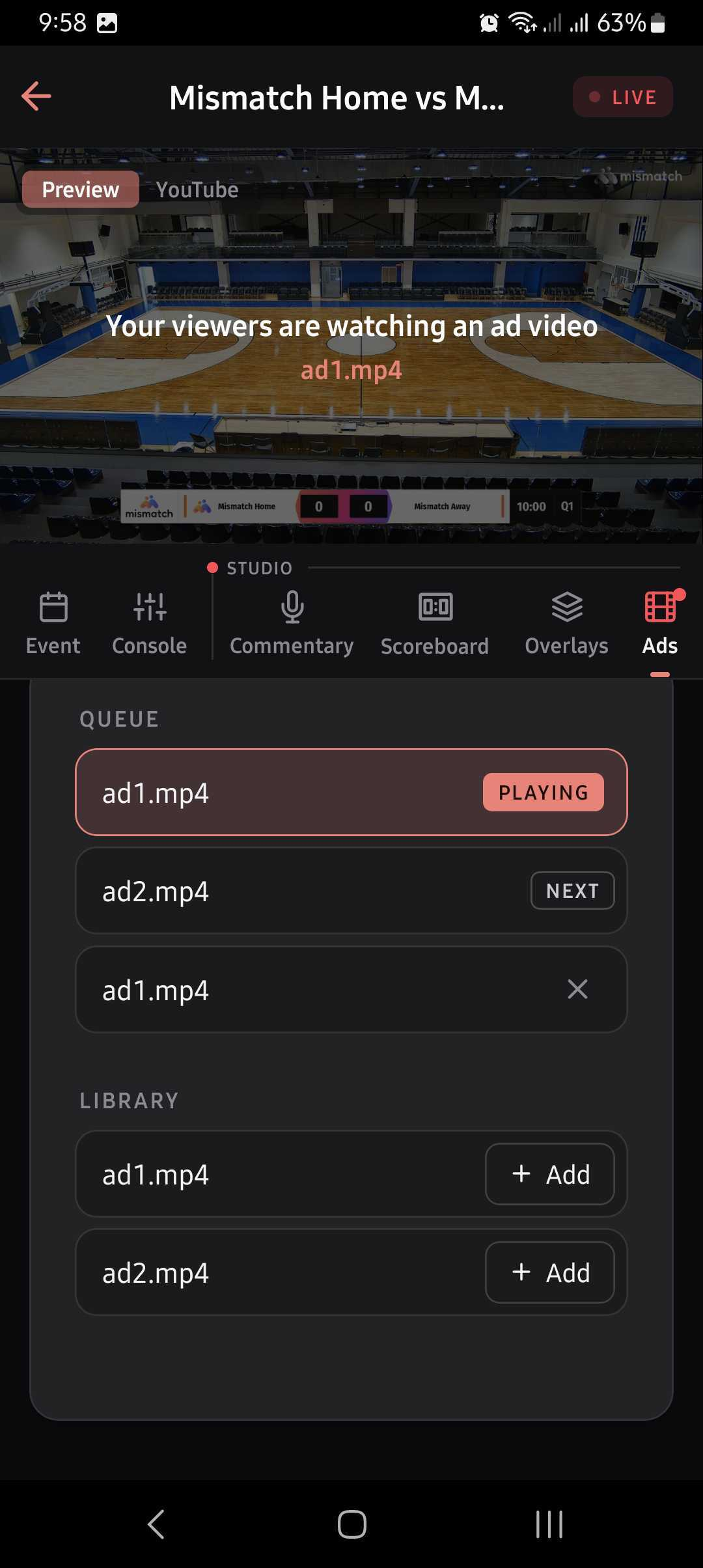
- Queue: the videos that will play, in order. Next marks the one that plays first and Playing the one on air. The videos after Next can be removed from the queue.
- Library: the game’s uploaded videos. Add puts a video at the end of the queue.
Shared revenue
Section titled “Shared revenue”When the game has Shared revenue on (see Creating a Game), Mismatch’s ad campaigns also play on the stream, automatically:
- Video ads: during a break in the game, the campaign ads take turns with the game’s video ads (one campaign ad, one of the game’s video ads, and so on) and are marked Ad in the queue. When the game stops for a while, they can also start on their own after a short countdown. When play resumes, only the game’s video ads go on.
- L-shaped banners: the campaigns’ L-shaped banner ads, if there are any, show around the game at regular intervals.
With Shared revenue off, only the game’s own video ads play, and only when Play is pressed.
Play the queue
Section titled “Play the queue”Play starts the queue at once. It is available only while the stream is live or paused (before that, the button reads Stream not live). If the queue stops before it ends, the panel shows the reason above the queue.
Follow the game in the Studio preview, and press Play when a break starts there.
In the web Studio
Section titled “In the web Studio”Click Ad videos in the Studio control bar to open the panel. The button shows how many videos are queued, and turns red while one of the game’s video ads is on air. It is disabled when the game has no uploaded videos.
In the mobile app
Section titled “In the mobile app”Open the game and tap the Ads tab. The tab is greyed out until the stream is live, and its icon turns red while one of the game’s video ads is on air. See Managing Streams.